
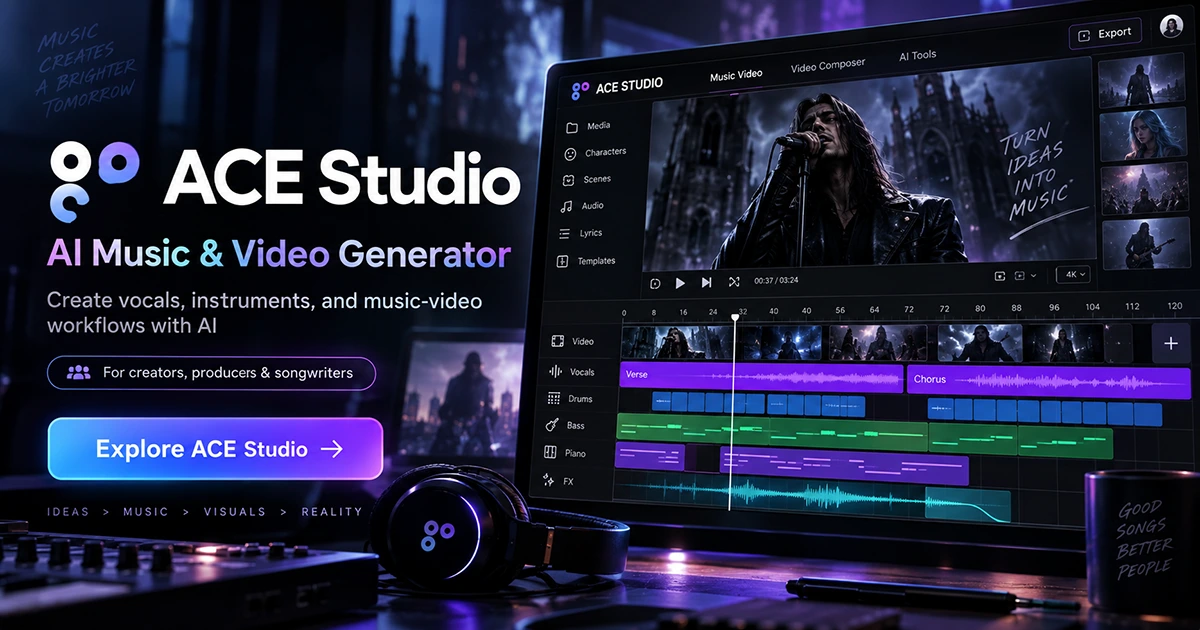
Create vocals, instruments & music-video workflows with AI
ACE Studio brings AI singing vocals, AI instruments, voice tools, stem separation, generative music tools, Video Composer and more into one creator-focused workspace.
- AI singing vocals from MIDI and lyrics
- AI instruments and orchestral performances
- Detailed breath, phoneme & expression control
- Voice cloning and voice changing
- Stem splitting and audio-to-MIDI tools
- Video Composer for soundtrack and SFX workflows
- ACE Bridge for supported DAW workflows
ACE Studio goes far beyond a basic AI song generator
Its strongest value is the combination of controllable music-production tools inside one workflow.
AI Singing Voice Generator
Turn MIDI and lyrics into expressive singing vocals and build harmonies without recording every part manually.
AI Instruments
Generate natural instrument performances from MIDI while retaining musical control over the arrangement.
Voice Cloning & Changing
Build custom singing-voice workflows from permitted recordings or transform a vocal into different voice characters.
Stem & MIDI Tools
Separate stems, remove vocals and convert audio into editable MIDI for a more flexible production workflow.
ACE Studio provides the voice. You direct the performance.
The upgraded vocal editor gives musicians more detailed control over how an AI singer performs a phrase — from breathing and pronunciation to dynamics and expressive character.
Breath
Choose where the singer breathes and control how long each breath lasts to shape phrasing more naturally.
Phoneme
Fine-tune pronunciation and adjust the duration of individual sounds when a lyric needs more precise articulation.
Dynamic
Shape strength, softness and vocal texture throughout a phrase instead of accepting one flat delivery.
Expression
Push the performance toward a different vocal character with dedicated expression controls.
ACE Studio’s practical tutorial covers Vocal-to-MIDI, vocal runs, breath and phoneme editing, expression controls, harmonies, and before-and-after comparisons.
See Video Composer working on an actual timeline
This screen recording shows ACE Studio’s visual production workflow with scene assets, song sections, lyric blocks, a multi-clip timeline, an AI work panel and ACE Bridge visible in the interface.
- Plan scenes around song structure
- Organize clips for intro, verse, chorus, breakdown and outro
- Work with video assets directly on a timeline
- Use AI-assisted production tools alongside the arrangement
- Keep music and visual production in the same creator workflow
Video Composer can build music and sound around the edit
ACE Studio says Video Composer analyzes scenes, cuts and motion, then generates music and sound effects around the timeline so creators can focus on musical decisions instead of manual syncing.
Music that follows picture
Use the video itself as the starting point for soundtrack ideas, then refine and build on the result with ACE Studio’s broader music tools.
Sound effects on the timeline
Video Composer can also add SFX around visual moments, giving creators a starting point for more complete sound design.
From production workflow to a finished music-video experience
The resource pack also includes a finished cinematic music-video example. It is useful for showing the kind of complete creator experience that can sit around an AI-assisted music workflow.
- Cinematic scene planning
- Performance-focused visuals
- Song sections reflected in the edit
- A finished piece rather than a static AI demo
This is presented as an example from the supplied ACE Studio resource materials. It should not be interpreted as a claim that every visual, vocal or production element was generated solely by ACE Studio.
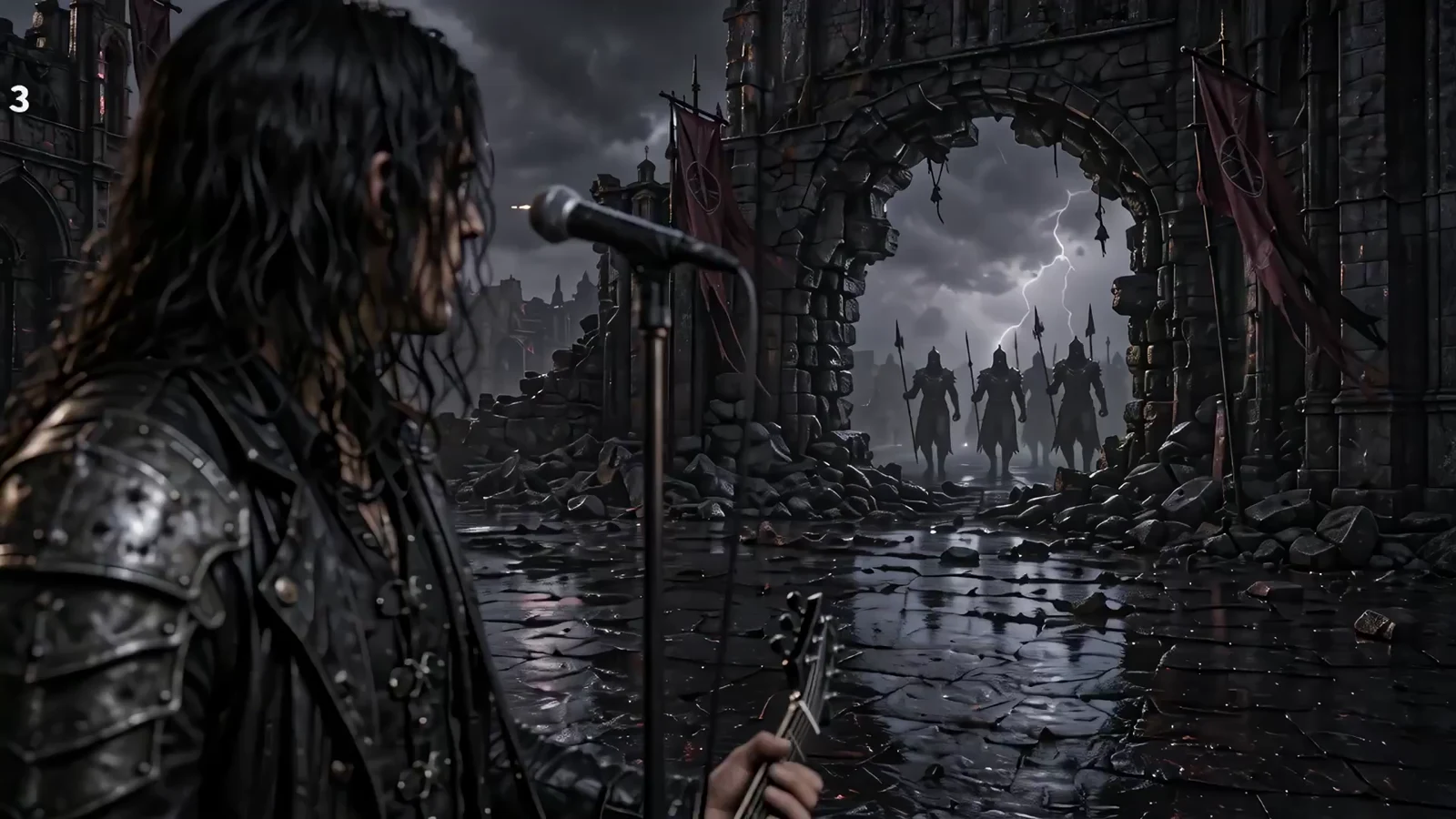
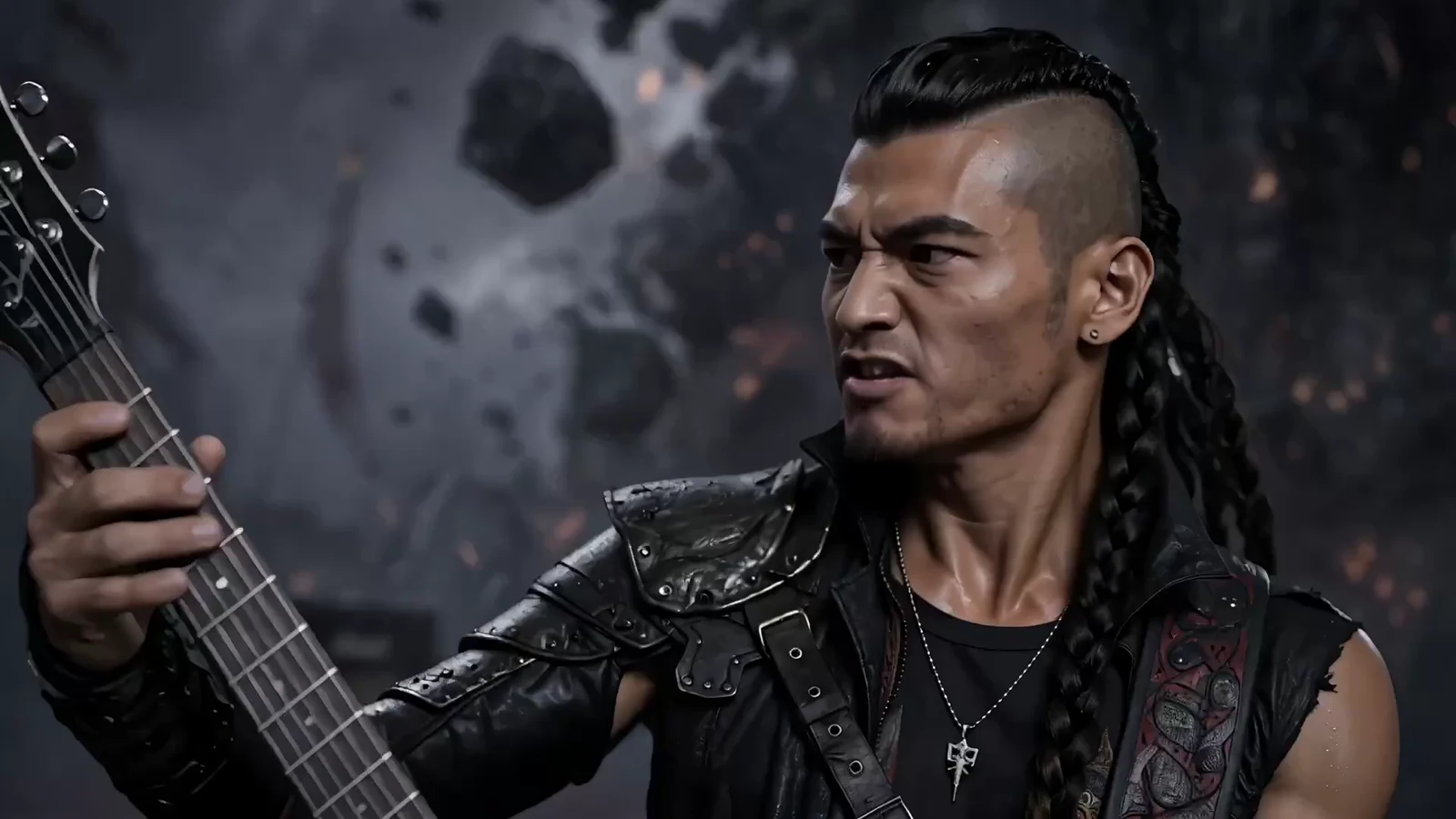
Real stills from the creator materials
These are extracted from the supplied video rather than generic stock imagery.
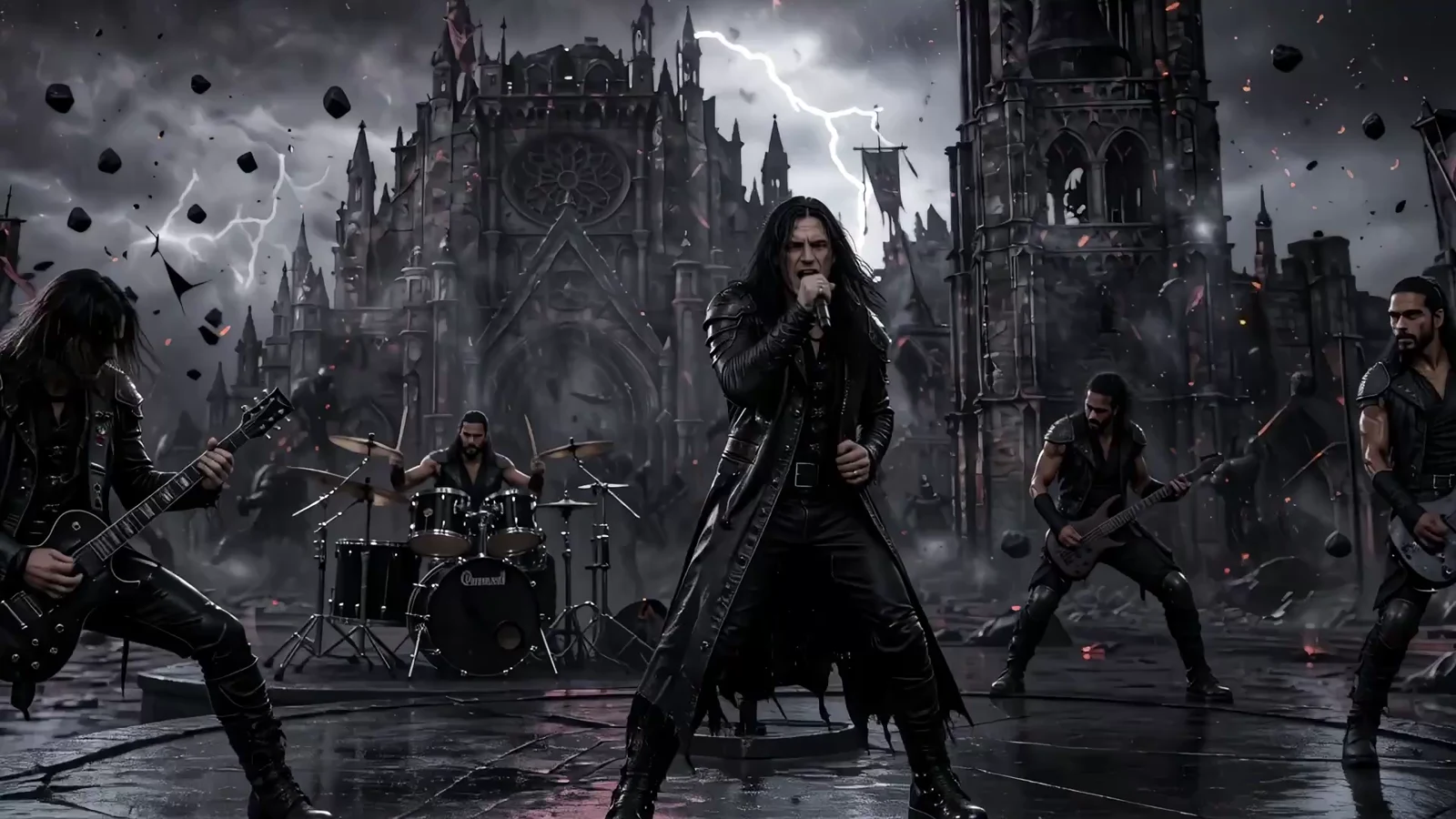
From scene planning to a finished story-driven music video
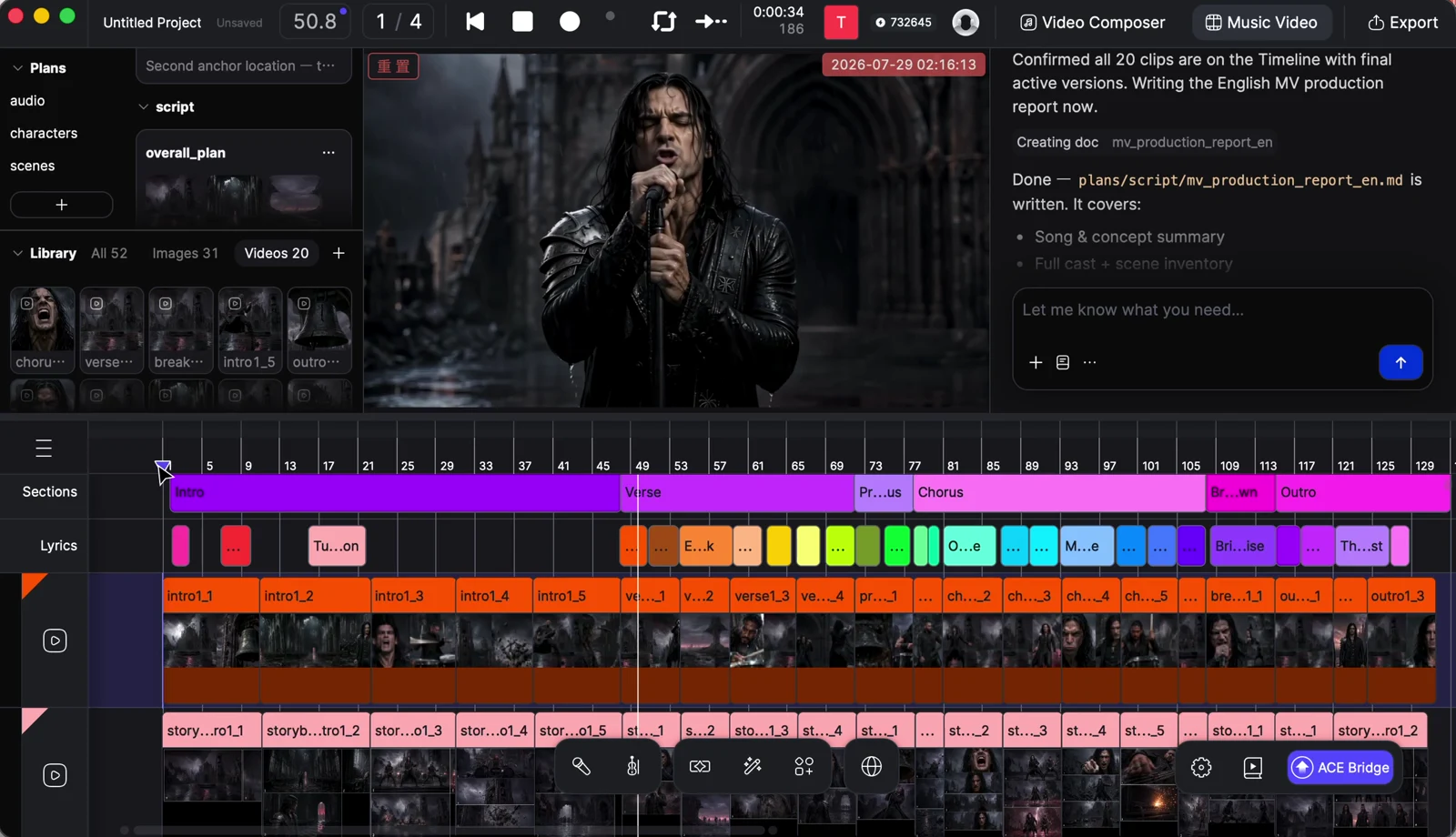
This second supplied example pairs a finished narrative music video with the actual ACE Studio timeline used to organize the project.
See the edit, clips, song structure and AI work panel together
The screen recording shows a complete multi-track project with visual clips, timeline sections, lyrics, scene changes and AI-assisted workflow controls. It is a useful look at how a larger music-video project is organized inside the editor.
- Scene-by-scene visual planning
- Song sections mapped across the timeline
- Multiple layers of clips and music structure
- AI-assisted prompts and project direction
A cinematic narrative built around the song
The finished example moves through home, road, performance and character-driven scenes, showing how the workflow can support a complete visual story rather than a simple looping visualizer.
Keep ACE Studio connected to your DAW workflow
ACE Bridge is designed to connect ACE Studio to supported DAWs instead of forcing producers to work in a completely separate production environment.
Supported plugin formats
ACE Studio lists VST3, AU and AAX support for ACE Bridge.
Tempo-aware integration
ACE Studio also describes ARA-based tempo and playback syncing so the app can function more naturally alongside a DAW session.
Built for creators who want more control than a one-click generator
A broader AI production toolkit
Also building ecommerce creative?
See AppStock’s guide to Rewarx Studio AI for AI product photography, listing visuals and ecommerce promotional creative.
ACE Studio puts more of the music-production workflow in one place
For creators who want AI assistance without giving up control over vocals, MIDI, instruments, arrangement, video scoring and production decisions, ACE Studio is worth exploring.
ACE Studio questions
What is ACE Studio?
ACE Studio is an AI-powered music-production workspace combining AI vocals, AI instruments, voice tools, generative music features, stem tools, Video Composer and other creator features.
Can ACE Studio generate singing vocals?
Yes. ACE Studio’s Vocal Synth converts MIDI and lyrics into AI singing performances, and its voice tools include cloning and voice-changing workflows.
Does ACE Studio work with video?
Yes. Video Composer is designed to analyze scenes, cuts and motion, then generate music and sound effects around the video timeline. ACE Studio also offers video-to-music and video-to-SFX tools.
Can ACE Studio work with a DAW?
ACE Studio provides ACE Bridge for supported DAW workflows and lists VST3, AU and AAX support, along with ARA-based sync features.
Is ACE Studio only for advanced producers?
No. ACE Studio describes guided workflows, presets and drag-and-drop tools for newer users while also providing detailed MIDI, expression and production controls for experienced creators.
Can you edit how an ACE Studio AI singer performs a phrase?
Yes. ACE Studio’s upgraded vocal-editing workflow includes controls for breath placement and duration, phoneme timing and pronunciation, dynamics, plus expressive parameters such as Air, Falsetto, Tension and Energy.
Is there an AppStock ACE Studio discount code?
Yes. Use code APPSTOCK to get 5% off your first ACE Studio payment.
Are the ACE Studio links on this page affiliate links?
Yes. AppStock may receive a commission when a visitor follows a sponsored ACE Studio link from this page and completes a qualifying transaction.